Checking WHOIS records is a straightforward process that takes less than a minute, but understanding what you find requires more nuance. You enter a domain name into a WHOIS lookup tool, and the tool queries the appropriate registry or registrar to return registration details: the registrar, creation and expiration dates, nameservers, domain status, and, when not redacted, registrant contact information. The method you choose matters, however, because the protocol underlying WHOIS has undergone a fundamental transition. Since January 28, 2025, RDAP (Registration Data Access Protocol) has replaced legacy WHOIS as the definitive source for generic top-level domain registration data. Understanding both the tools and the data they return is essential for anyone conducting domain investigations.
What WHOIS Lookup Tools Actually Do
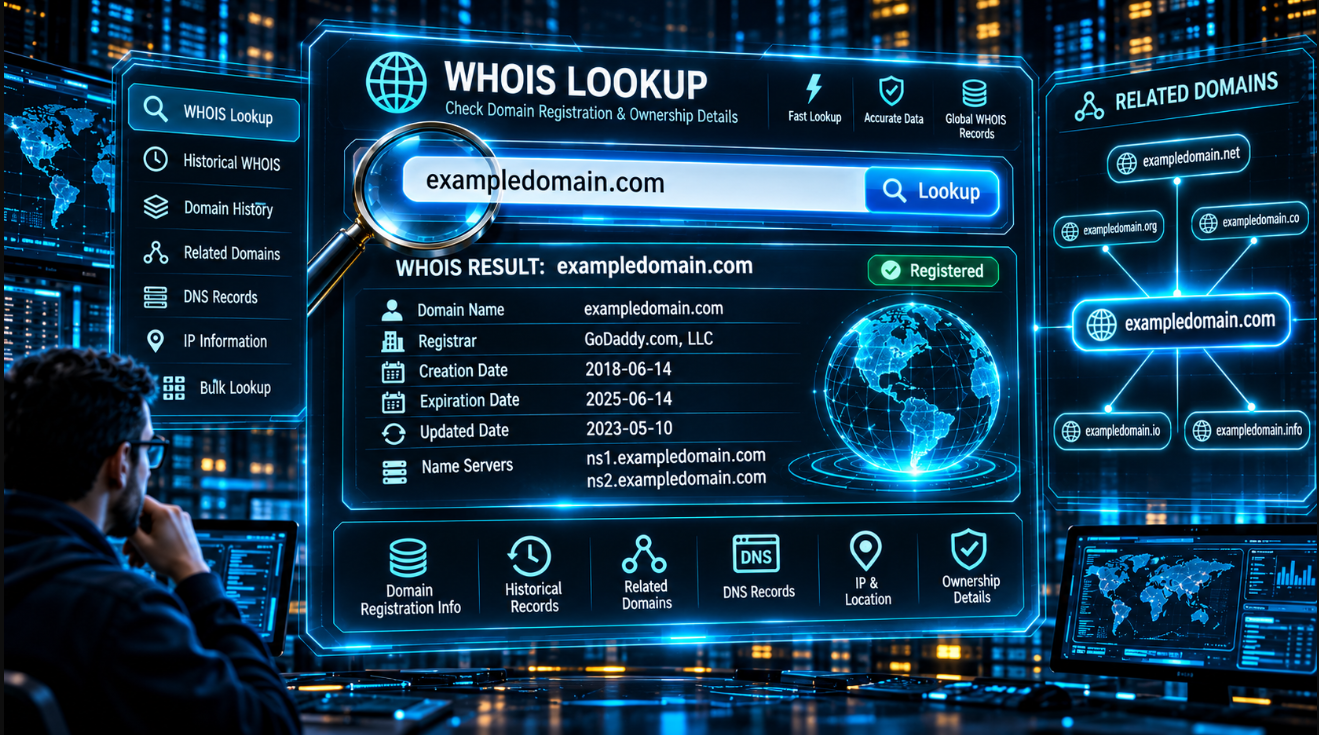
A WHOIS lookup tool is an interface, web-based, command-line, or API-driven, that sends a query to the authoritative registration data source for a domain and formats the response for human or machine consumption. The tool does not store the data itself; it retrieves it from the registry or registrar responsible for that domain.
The query process follows a hierarchical path. For a generic top-level domain like .com or .org, the tool consults the registry, which returns the sponsoring registrar and some public domain information. A deeper query to the registrar's own service may return additional public fields. Historically, this was accomplished through the WHOIS protocol on port 43, which returned loosely formatted plain text. Today, for gTLDs, the same query is routed through RDAP, which returns structured JSON over HTTPS.
The practical difference for the user is significant. Legacy WHOIS responses varied by registrar, field names, formatting, and completeness were inconsistent. RDAP responses use standardized field names and a predictable structure, making automated processing and comparison across domains far more reliable. When you use a modern lookup tool, you are likely querying RDAP behind the scenes, even if the tool still carries the "WHOIS" label.
Types of WHOIS Lookup Tools
Web-Based Lookup Tools
Web interfaces are the most accessible option for occasional lookups. ICANN's official Lookup tool provides a human-readable interface and exposes the raw RDAP response for supported domains. Registrar-operated tools, such as OVHcloud's WHOIS interface, offer similar functionality with the caveat that results vary by extension and privacy settings. Third-party services and browser extensions add convenience, some Chrome extensions provide one-click lookups that display registration dates, nameservers, and registrant information (when public) directly in the browser.
The limitation of web tools is scale. They are designed for individual queries, not batch processing or integration into automated workflows.
API-Based Lookup Services
For security teams, domain investors, and developers who need to check WHOIS records programmatically, API services provide the most practical solution. WhoisFreaks, for example, offers a Python SDK that queries live WHOIS and RDAP data across more than 1,529 TLDs, supports bulk lookups of up to 100 domains per call, and returns normalized fields so that records from different registries align without custom parsing code. The same service provides WHOIS history dating back to 1986 and reverse WHOIS capabilities for identifying domains connected to a known registrant.
API-based tools are essential when you need to check WHOIS records at scale or integrate registration data into security platforms, threat intelligence pipelines, or domain management systems.
Command-Line Tools
The traditional whois command remains available on most Unix-like systems and provides a direct query to the registry or registrar. Microsoft's documentation describes the client program accessing the InterNIC database directly for legacy top-level domains. However, command-line WHOIS inherits the protocol's limitations: plain-text output, inconsistent formatting, and no support for the structured access controls that RDAP provides. For modern gTLD investigations, command-line tools that support RDAP are preferable.
How to Perform a WHOIS Lookup: Step by Step
The process is consistent across tool types, though the interface differs.
Step 1: Identify the exact domain. Enter the registered domain name, not a full URL, subdomain, or page path. For https://www.example.com/page, the correct query is example.com. Including www or a path will return errors or misleading results.
Step 2: Choose your tool. For a single, casual lookup, ICANN Lookup or a reputable web interface is sufficient. For repeated or programmatic use, an API service is more efficient. For security investigations, a tool that surfaces the raw RDAP response is preferable, as simplified displays may omit fields that matter.
Step 3: Submit the query and review the response. The tool will return the available registration data. In a typical RDAP response for a gTLD, you will see the registrar name, creation and expiration dates, last updated timestamp, domain status codes, nameservers, and DNSSEC status. Registrant contact details may appear if the domain owner has not enabled privacy protection and the registrar's policies permit disclosure.
Step 4: Interpret the fields correctly. A common mistake is misreading what the data proves. The registrar is the company that sponsored the registration, not necessarily the website host or the business operating the site. The creation date reflects when the current registry record was created, not when the organization or brand began. A "recently registered" domain is a weak signal, not a verdict of maliciousness. Privacy protection, indicated by proxy contact details or "REDACTED FOR PRIVACY" labels, is common for both legitimate and malicious registrants and is not itself evidence of wrongdoing.
Step 5: Preserve the raw response if the data matters. If the lookup is part of an investigation or legal matter, save the raw RDAP JSON response or the full text output. Simplified displays may omit fields that become relevant later, and the raw response provides a verifiable record of what the authoritative source returned at the time of the query.
Understanding What You Will and Will Not See
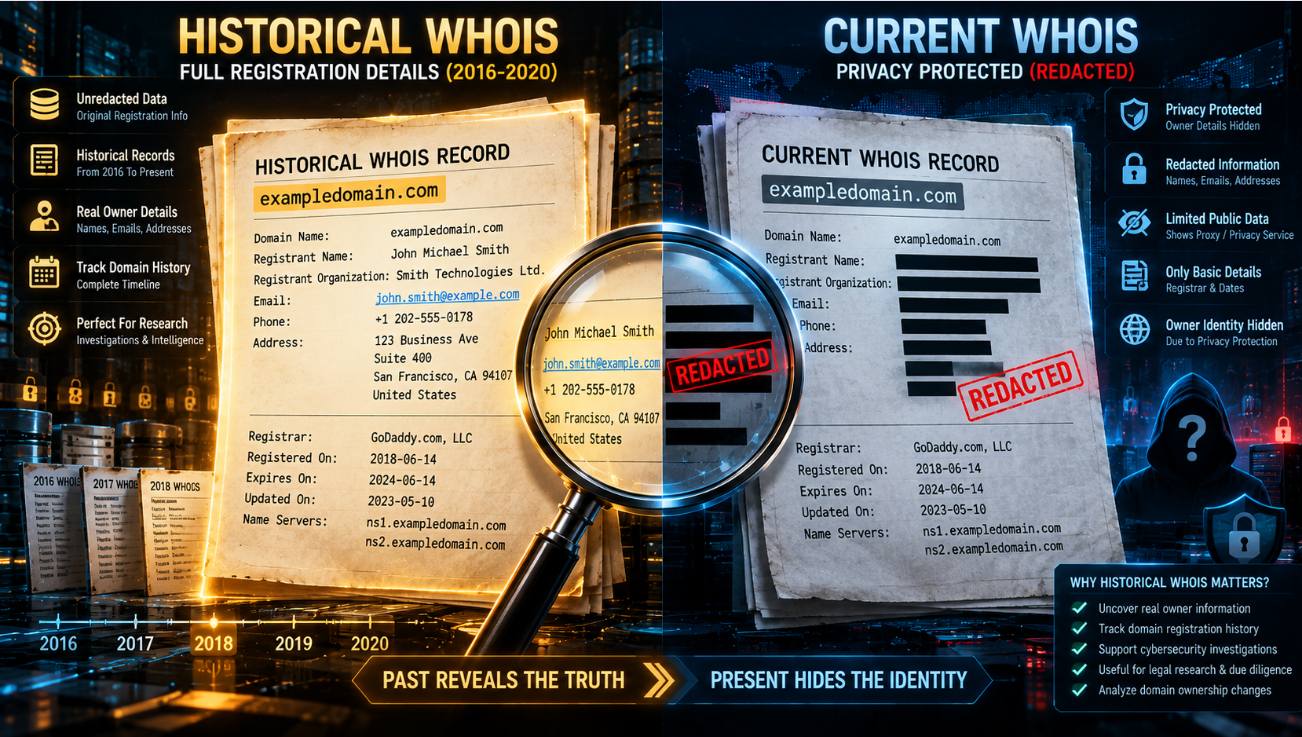
The most frequent source of confusion for new WHOIS users is the absence of registrant contact information. Since GDPR enforcement began in 2018, registrant names, email addresses, phone numbers, and physical addresses have been redacted from public queries for most domains. RDAP did not cause this redaction; it simply changed the mechanism through which access to non-public data is controlled. Under ICANN's Registration Data Policy, contact details for individual registrants are hidden from public view and available only to parties with a legitimate, verified reason to access them.
What remains visible in a standard public query typically includes the registrant organization name (for business registrants, in some cases), domain status codes, nameservers, registration and expiration dates, and the registrar identity. This technical metadata is sufficient for some purposes, identifying recently registered domains, clustering domains by nameserver or registrar, checking expiration dates for acquisition opportunities, but it is not sufficient for attribution to a specific person or organization.
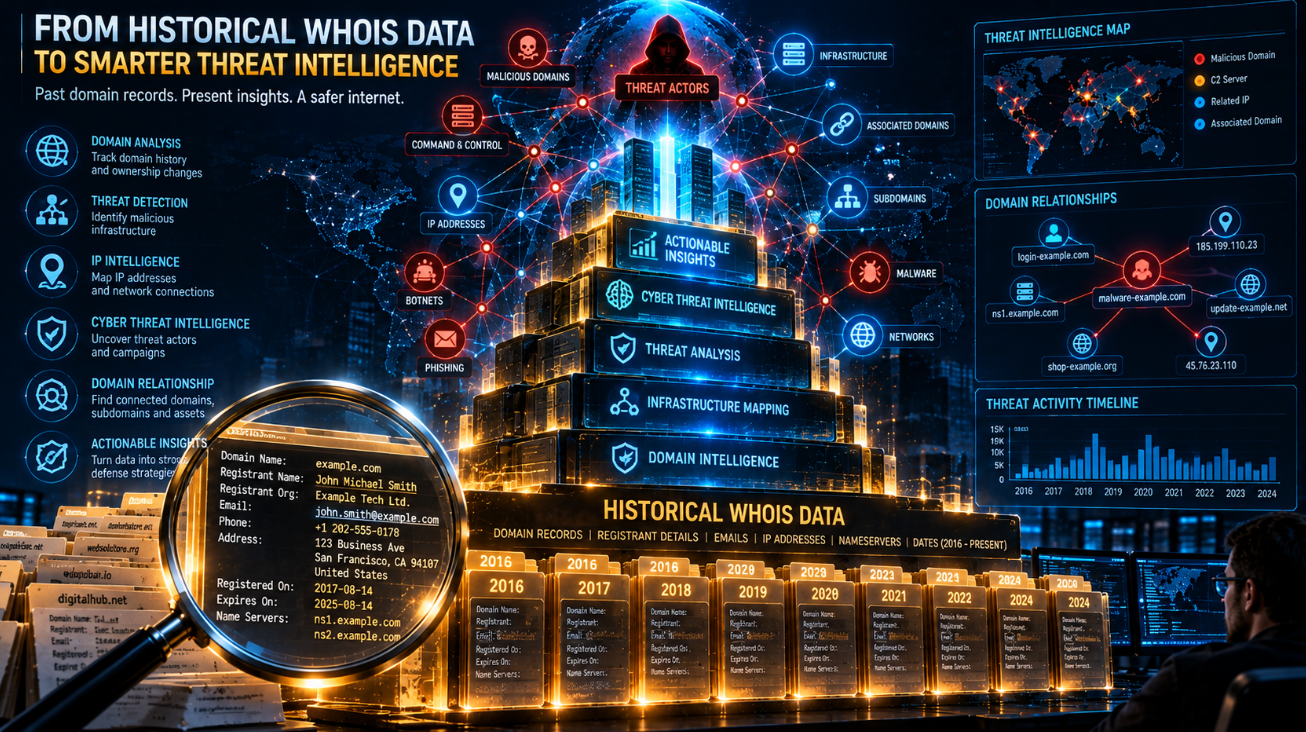
For investigations that require registrant details, several legal pathways exist: historical WHOIS archives that preserve pre-redaction records, registrar disclosure requests filed with documented legitimate interest, and formal legal process. Access is not guaranteed, and outcomes vary by registrar and jurisdiction.
Best Practices for Effective WHOIS Lookups
Use RDAP-aware tools for gTLD queries. Legacy WHOIS on port 43 carries documented security risks, including exposure to rogue server exploits, and returns inconsistent data. RDAP provides structured, encrypted responses and is the definitive source for gTLD registration data since January 2025.
Treat registration data as one signal among many. A WHOIS record cannot by itself prove who controls a website, whether a business is legitimate, or whether a domain is malicious. Old domains can be compromised or sold; new domains can belong to legitimate projects; privacy protection is routine. Combine registration data with DNS records, certificate transparency logs, website history, and observed behavior before drawing conclusions.
Record the query timestamp and source. Registration data changes. A record that shows a creation date in 2015 may reflect a domain that was deleted and re-registered in 2024. If the lookup matters, document when you performed it, which tool or API you used, and preserve the raw response.
For bulk or repeated lookups, use an API. Manual web queries do not scale. API services provide normalized fields, bulk endpoints, and programmatic access that make it practical to check hundreds or thousands of domains while maintaining consistent data formats.
Conclusion
Checking WHOIS records is a fundamental skill for domain research, security investigation, and brand protection. The tools have evolved from plain-text port-43 queries to structured RDAP responses and API-driven services, but the underlying principle remains: a WHOIS lookup returns the registration data that the registry and registrar are willing to disclose. What you see depends on the domain's extension, the registrant's privacy choices, and the legal framework governing disclosure.
The most effective approach combines the right tool with correct interpretation. Use RDAP-aware interfaces for gTLD lookups, understand that redacted contact fields are the norm rather than an anomaly, treat the data as an investigative lead rather than a conclusion, and preserve raw responses when the stakes are high. For professionals who need to check WHOIS records regularly, API-based services provide the scale and consistency that manual lookups cannot. For occasional users, the official ICANN Lookup and reputable web tools offer a reliable starting point, provided you know what the data can and cannot tell you.
Read Aslo: Why Historical WHOIS Data Is Essential for Threat Intelligence